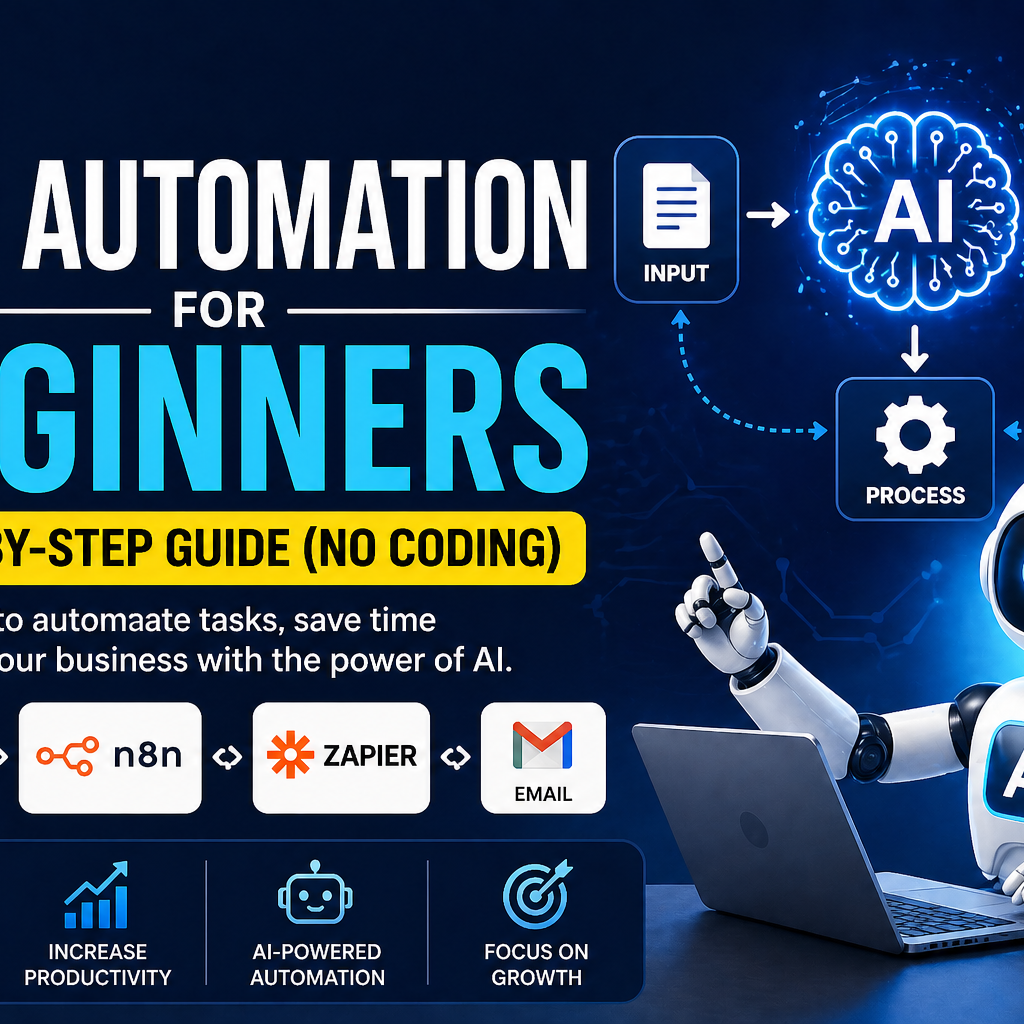
Introduction
Let me be honest with you.
If you’re spending hours every day replying to the same messages, copying data from one place to another, or chasing leads manually — you’re not running a business. You’re running a marathon with no finish line.
And the worst part? There’s a smarter way to do all of this. You just haven’t been shown how yet.

Table of Contents
- What is AI Automation?
- Why AI Automation is Important in 2026
- Types of AI Automation
- Best AI Automation Tools for Beginners
- AI Automation Step by Step (Main Guide)
- Real Example: WhatsApp Auto Reply System
- Common Mistakes Beginners Make
- How to Use AI Automation for Your Business (UAE)
- Done-For-You Automation Service
- FAQ
- Conclusion
That’s where AI automation comes in.
Now, before you click away thinking “this is too technical for me” — stop. This guide is not for developers. It’s not for tech geeks. It’s for regular business owners, freelancers, and entrepreneurs — especially in the UAE — who are tired of doing repetitive work and want to use smart tools to save time.
By the end of this article, you’ll know exactly how to start with AI automation for beginners step by step — no coding, no confusion, no expensive consultants needed.
Let’s keep it simple and practical.
What is AI Automation? (Simple Explanation)
Here’s the simplest way to explain it:
AI automation is when a software does a task for you — automatically — without you lifting a finger.
You set it up once. It runs on its own. That’s it.
Think of it like hiring a very fast, very obedient virtual assistant who never sleeps, never makes mistakes, and never asks for a salary.
Real-life examples:
- Auto replies — A customer messages your WhatsApp at 2am. Instead of waking up to reply, an automated message instantly responds: “Thanks for reaching out! We’ll get back to you within an hour.” The customer feels heard. You stay asleep.
- Email sorting — Instead of spending 30 minutes every morning organizing your inbox, AI automation can automatically label, filter, and even reply to common emails for you.
- Lead generation — Someone fills out a form on your website. AI automation instantly adds their details to your CRM, sends them a welcome email, and notifies your sales team — all in seconds.
None of this requires coding. None of it requires you to be technical. You just connect the right tools and let them do the work.
Why AI Automation is Important in 2026

The world has changed. Business has changed. And if you’re still doing everything manually, you’re already behind.
Here’s why AI automation matters right now:
It saves time. A task that takes you 2 hours can take an automated system 2 seconds. That’s not an exaggeration. That’s just math.
It increases productivity. When you stop doing repetitive tasks, you free up mental energy for things that actually grow your business — strategy, relationships, creativity.
It reduces human error. Humans get tired. We forget. We copy the wrong number. Automation doesn’t. It does the same thing perfectly every single time.
It helps small businesses compete. Big companies have large teams. You don’t. But with automation, a solo business owner in Dubai or Sharjah can run operations that feel like a team of 10.
In the UAE especially, where business moves fast and competition is fierce, AI automation isn’t a luxury anymore. It’s a survival tool.
Types of AI Automation (Simplified for Beginners)
Not all automation is the same. Here’s a simple breakdown — no jargon, promise.
1. Basic Automation (Rules-Based)
This is the most simple kind. You create a rule: “If this happens, do that.”
For example: “If someone submits a contact form, send them a thank you email.”
It’s straightforward. It doesn’t think. It just follows your rules. Tools like Zapier work great for this.
2. AI-Powered Automation
This is one level smarter. Instead of following strict rules, the system uses artificial intelligence to understand context and make decisions.
For example: It can read an email, understand that the person is asking for pricing, and automatically send the right response — without you writing a rule for every single situation.
3. Advanced (Agent-Based Automation)
This is the most powerful level. AI agents can take multiple steps, make decisions, and complete complex tasks on their own — like a human employee who knows exactly what to do next.
For example: An AI agent can receive a lead, research their company, draft a personalised email, and schedule a follow-up — all without human input.
As a beginner, start with Level 1 or 2. Level 3 is exciting, but you don’t need it yet.
Best AI Automation Tools for Beginners
Here are three tools every beginner should know about. All of them are beginner-friendly. None of them require coding.
n8n
This is a powerful, open-source automation tool. It’s incredibly flexible and growing fast in popularity. You can self-host it (free) or use their cloud version. Great for businesses that want full control over their automations.
Best for: Businesses wanting custom workflows at low cost.
Zapier
This is probably the most well-known automation tool out there. It has thousands of app connections and a very simple drag-and-drop interface. If you can use Instagram, you can use Zapier.
Best for: Absolute beginners who want to move fast.
Make (formerly Integromat)
Make is more visual and powerful than Zapier, and more affordable too. You can build complex multi-step workflows with a clear visual interface that shows you exactly what’s happening.
Best for: Beginners who want more control without learning to code.
Start with Zapier if you want the fastest setup. Move to Make or n8n as you get more comfortable.
AI Automation for Beginners Step by Step (Main Guide)
This is the part you came for. Let’s walk through exactly how to build your first automation — from zero.
Step 1 – Choose a Simple Goal
Before you touch any tool, decide what ONE problem you want to solve.
Start small. Seriously.
Don’t think “I want to automate my entire business.” Think “I want to stop manually replying to every WhatsApp message” or “I want customer form submissions to go directly into a Google Sheet.”
Good beginner goals:
- Auto-reply to WhatsApp or Instagram DMs
- Automatically save leads from a form to Google Sheets
- Send a welcome email when someone signs up
Pick one. Just one.
Step 2 – Choose the Right Tool
Now match your goal to a tool.
- Replying to messages? Try n8n with WhatsApp integration.
- Connecting a form to Gmail or Sheets? Zapier or Make are perfect.
- Building a multi-step email sequence? Make handles this well.
Don’t overthink this. All three tools have free plans. You can start today without spending anything.
Step 3 – Connect Your Apps
This is where the magic happens.
Every automation connects at least two apps. For example:
- WhatsApp + Google Sheets — When someone messages you, their details get saved automatically.
- Gmail + Notion — When you receive an email with a specific keyword, it creates a task in Notion.
- Instagram DM + CRM — When someone DMs you, their contact is added to your customer list.
In Zapier and Make, connecting apps is as easy as logging in with your account and clicking “Connect.” No code. Just clicks.
Step 4 – Create Your First Workflow
Now you build the actual automation. In most tools, this looks like two things:
Trigger — What starts the automation? (e.g., “A new message is received”)
Action — What should happen next? (e.g., “Send an automatic reply” or “Add to Google Sheet”)
You fill in the details, click save, and you’re done.
Here’s a real example: In Zapier, you can set up a “Zap” that says: “When a new row is added to my Google Sheet (trigger), send an email to that person (action).” That’s it. Your automation is live.
Step 5 – Test and Improve
Never skip this step.
After building your workflow, test it. Actually trigger it and see what happens. Does the message send correctly? Does the data go to the right place?
If something breaks, don’t panic. Automation tools have built-in error logs that tell you exactly what went wrong. Fix it, test again.
Once it’s working, leave it for a week and watch it run. Then come back and ask: “How can I make this better?” Maybe you want to add a second step, or change the message copy. Automation is never truly “finished” — it just keeps getting more efficient.
Real Example: WhatsApp Auto Reply System

Let’s make this concrete. Here’s a real use case that any business in the UAE can set up.
The situation: You run a small business. Customers send WhatsApp messages asking about your services, prices, or availability. You can’t reply instantly — you’re busy, or it’s after hours.
The solution: Set up a WhatsApp auto-reply automation.
Here’s how it works:
- A customer sends a WhatsApp message to your business number.
- The automation detects the new message instantly.
- It sends an automatic reply: “Hi! Thanks for reaching out to [Your Business Name]. We’ve received your message and will reply within 1 hour. For urgent enquiries, call us on [number].”
- At the same time, it saves the customer’s name and number to your Google Sheet.
- It sends you a WhatsApp notification so you know someone reached out.
The customer gets an instant reply. You look professional. Their details are saved. And you didn’t have to do anything.
That’s AI automation at work. Simple, powerful, practical.
Common Mistakes Beginners Make
Let’s save you some headaches before you start.
Choosing a tool that’s too complex. Some beginners jump straight into advanced tools meant for developers. Stick to Zapier or Make when starting out. Complexity is the enemy of progress.
Not testing their workflows. You build it, feel proud, and assume it works. Then a week later you realize it’s been broken the whole time. Always test. Always.
Expecting instant results. Automation saves time over weeks and months — not overnight. Give it time. The compounding effect is where the real value shows.
Overcomplicating everything. New automators try to build 10-step workflows on day one. Start with 2 steps. Get that working perfectly. Then add more.
Not documenting their automations. If you set something up and forget how it works, you’ll struggle to fix it when something breaks. Keep a simple note of what each automation does.
How to Use AI Automation for Your Business (UAE Angle)
The UAE is one of the most business-friendly environments in the world. But competition is fierce — especially in Dubai and Abu Dhabi. Whether you’re running a real estate agency, a salon, an e-commerce store, or a consultancy, automation can give you a serious edge.
Small business automation — Automate appointment bookings, invoice reminders, and customer follow-ups. Stop doing these manually.
Lead generation — Connect your website forms, Instagram DMs, and WhatsApp enquiries to a single Google Sheet or CRM. Never lose a lead again.
Customer support — Set up auto-replies for FAQs, after-hours messages, and common questions. This alone can save you 2–3 hours a day.
In the UAE, customers expect fast responses. If you reply in 3 hours, they’ve already gone to your competitor. Automation makes you the fastest business in the room — without working more hours.
Don’t Want to Set This Up Yourself?
Look — this guide gives you everything you need to get started on your own. But not everyone has the time or patience to build automations from scratch.
If you’d rather have it done for you — properly, professionally, and fast — that’s something we can help with.
We set up done-for-you automation systems for businesses in the UAE, including:
- WhatsApp automation — Auto-replies, lead capture, and customer follow-up sequences.
- Business workflow setup — Connecting your apps, removing bottlenecks, and building systems that run without you.
- Lead generation automation — So you wake up every morning with new leads already in your inbox.
No long contracts. No complicated jargon. Just automation that works.
CLICK HERE and let’s talk about what you need.
FAQ
Is AI automation hard for beginners? Not at all. Modern tools like Zapier and Make are designed for non-technical users. If you can send an email, you can set up a basic automation. This guide alone is enough to get your first one running.
Do I need coding skills to start AI automation? No. The tools mentioned in this guide — Zapier, Make, and n8n — all have visual, drag-and-drop interfaces. You don’t need to write a single line of code.
What is the best tool to start AI automation? For absolute beginners, start with Zapier. It’s the most user-friendly and has thousands of app integrations. Once you’re comfortable, explore Make for more advanced workflows at a lower cost.
How much does AI automation cost? You can start completely free. Zapier, Make, and n8n all have free tiers that are more than enough for your first automations. As your needs grow, paid plans start from around $9–$20 per month — still far cheaper than hiring extra staff.
Can I use AI automation in UAE? Absolutely. All the tools mentioned in this guide work perfectly in the UAE. In fact, automation is especially valuable here given the fast-paced, competitive business environment. WhatsApp automation in particular is a game-changer for UAE businesses.
Conclusion
Here’s the truth: the businesses that will win in 2026 are not necessarily the biggest or the richest. They’re the smartest.
And being smart means not doing manually what a machine can do for you.
You’ve now got a complete AI automation guide for beginners. You know what automation is, why it matters, which tools to use, and exactly how to build your first workflow step by step — without any coding.
The only thing left is to start.
Pick one task. Open Zapier or Make. Build one automation this week.
That’s it. One small step. The results will show you why you should have started sooner.
And if you want help getting set up — or want someone to build it all for you — we’re here. Just reach out.
Your time is valuable. Start automating it.
Alright, gotta get into u7777game and see what all the fuss is about. Hoping for some big wins tonight! Get your fix here: u7777gamelogin